Share Photos, Videos and Music
Send photos, videos, and music between supported devices. Share individual files or multiple items without relying on email attachments or messaging apps.
Share photos, videos, and files between devices with SHAREit. Explore its key features, supported devices, transfer options, and common limitations.
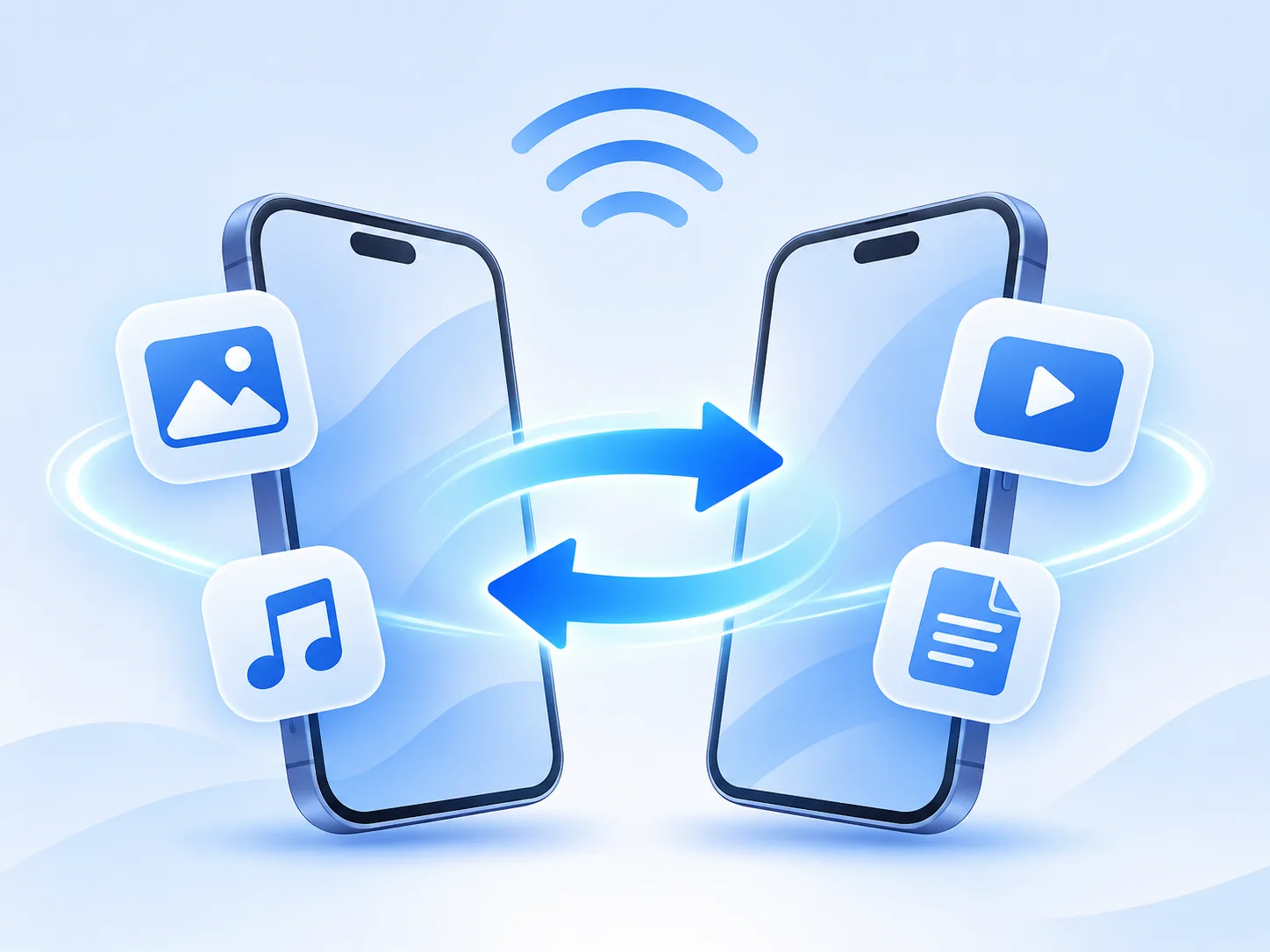
SHAREit is more than a basic file-sharing app. It helps users move different types of content between phones, tablets, and computers. From sharing photos and videos with friends to transferring apps or moving files to a PC, SHAREit brings everyday file-sharing tasks together in one place.
From quick photo swaps with friends to moving work files between your phone and computer, these are the main ways people use SHAREit every day.
Send photos, videos, and music between supported devices. Share individual files or multiple items without relying on email attachments or messaging apps.
Share Android apps and supported game installation files with other devices. App sharing availability depends on the device and operating system.
Transfer PDFs, ebooks, presentations, ZIP files, and other supported documents. Select multiple files or folders to make file sharing easier.
Share photos, videos, and documents between compatible phones and Windows PCs. Available transfer methods depend on the devices and operating systems.

Looking for a lightweight way to share files? SHARE Lite offers a simple file-sharing experience while supporting compatibility with SHAREit. You can use SHARE Lite alongside SHAREit to exchange files between supported devices, without necessarily installing the same app on both devices.
Try SHARE LiteSHAREit makes it easier to transfer files between different devices. Whether you want to share photos between Android phones, move files from Android to iPhone, or transfer documents between your phone and computer, SHAREit provides cross-platform file-sharing options.
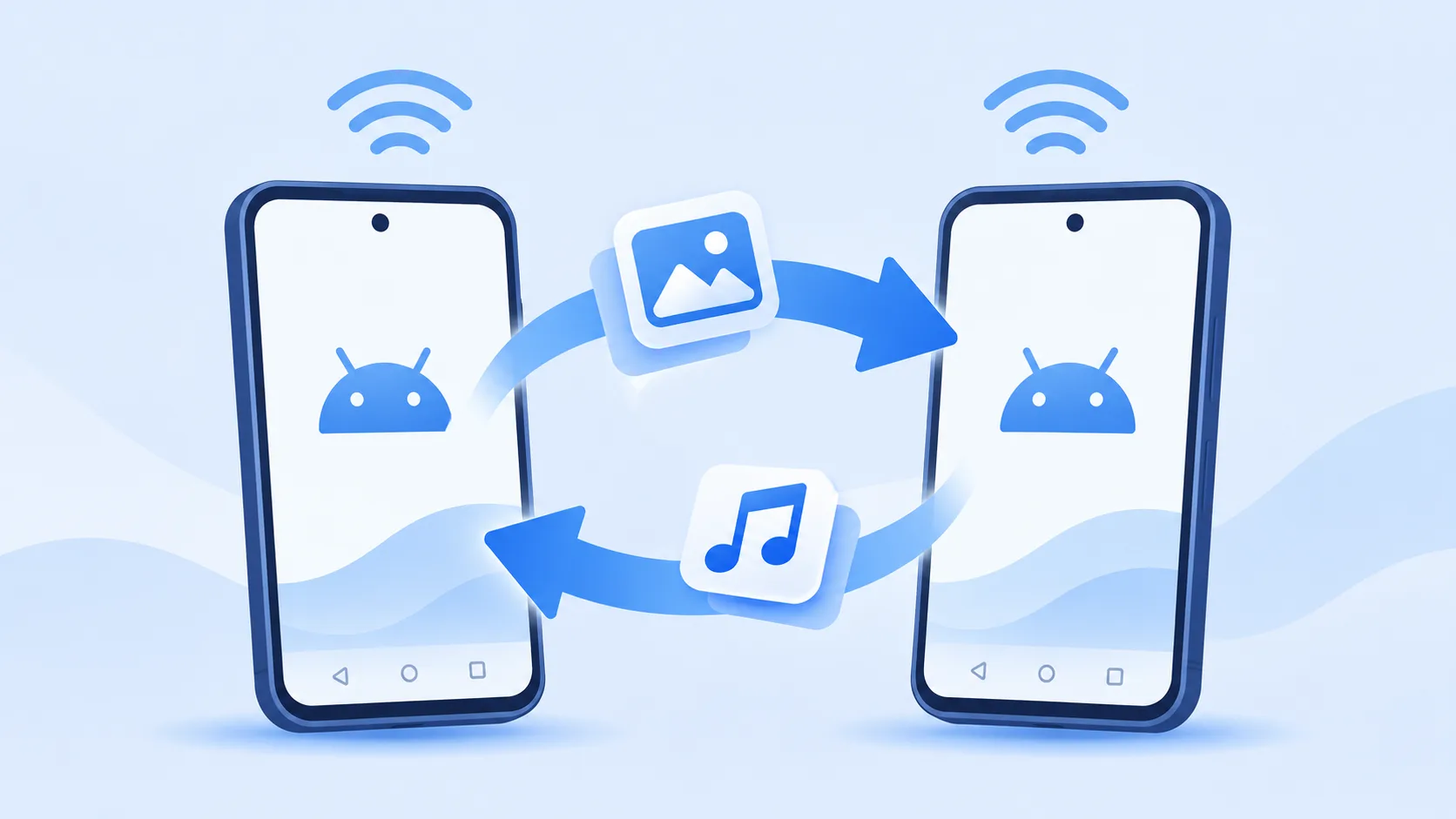
Send photos, videos, apps, music and documents from one Android phone to another. SHAREit helps you move multiple files without relying on Bluetooth.
Read the guide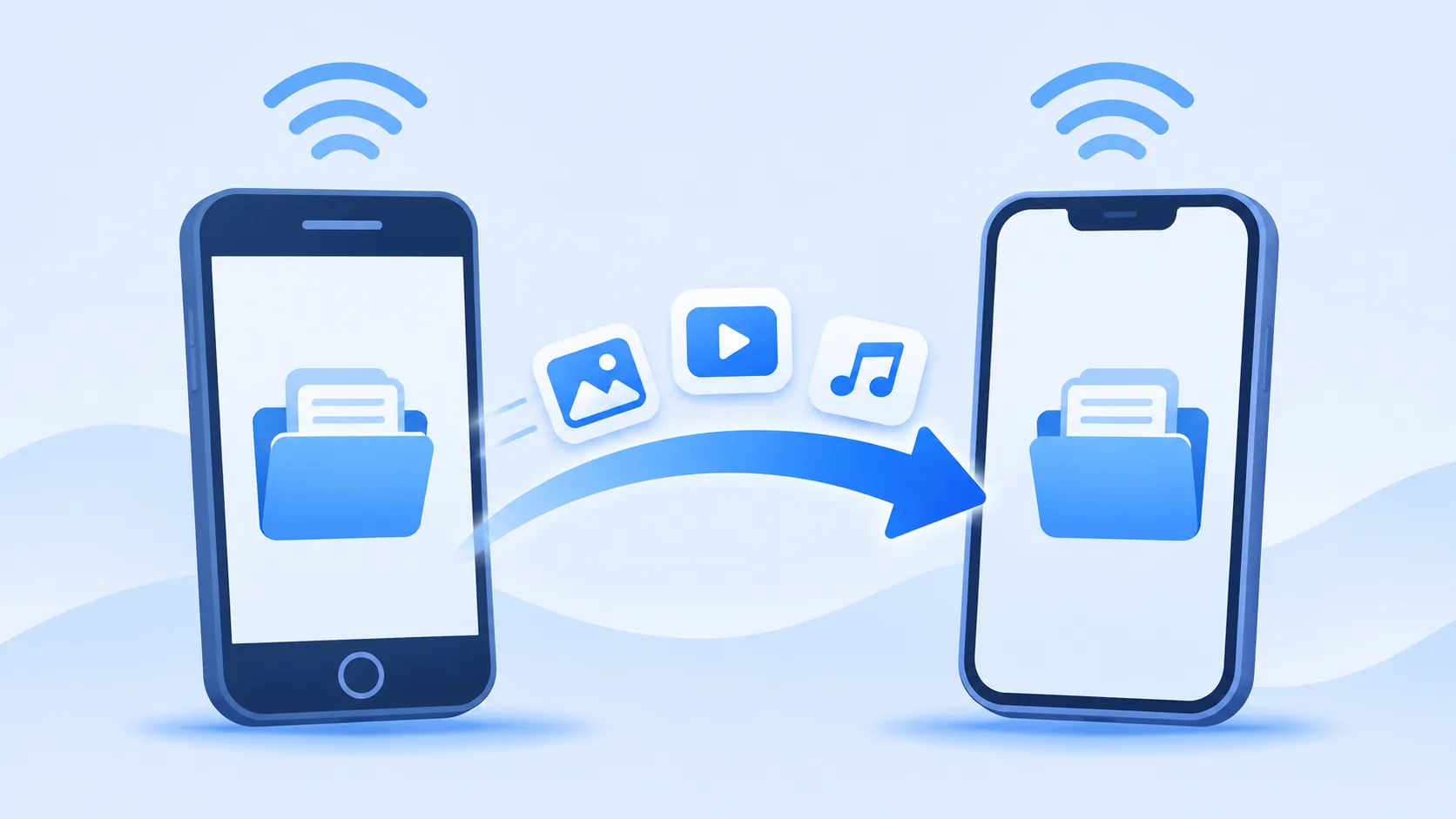
Need to send photos, videos or documents from an Android phone to an iPhone? SHAREit supports cross-platform file sharing, making it easier to move files between different mobile operating systems.
Read the guide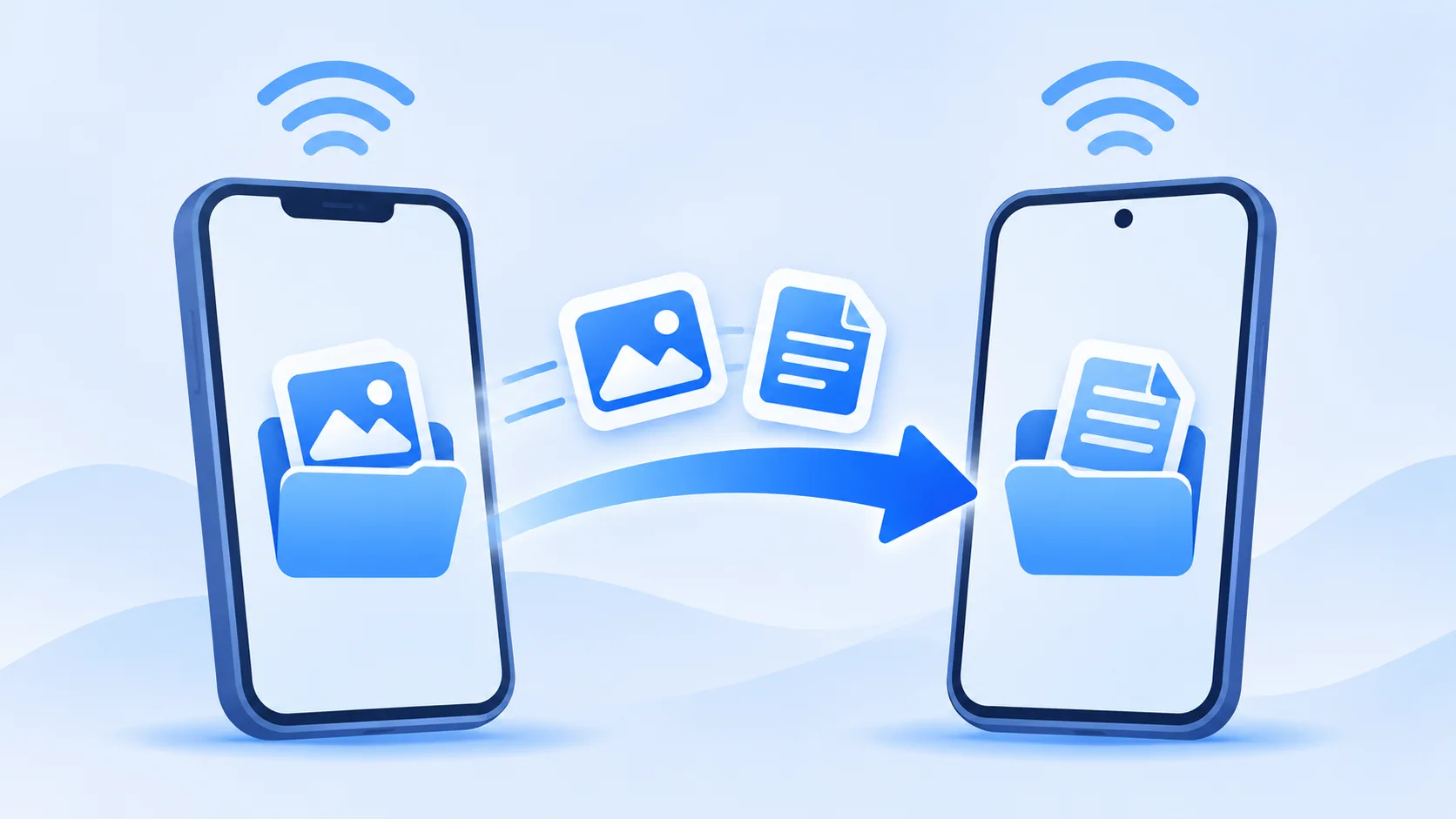
Sharing files in the other direction is also useful. Use SHAREit to transfer supported photos, videos and other files from an iPhone to an Android device.
Read the guide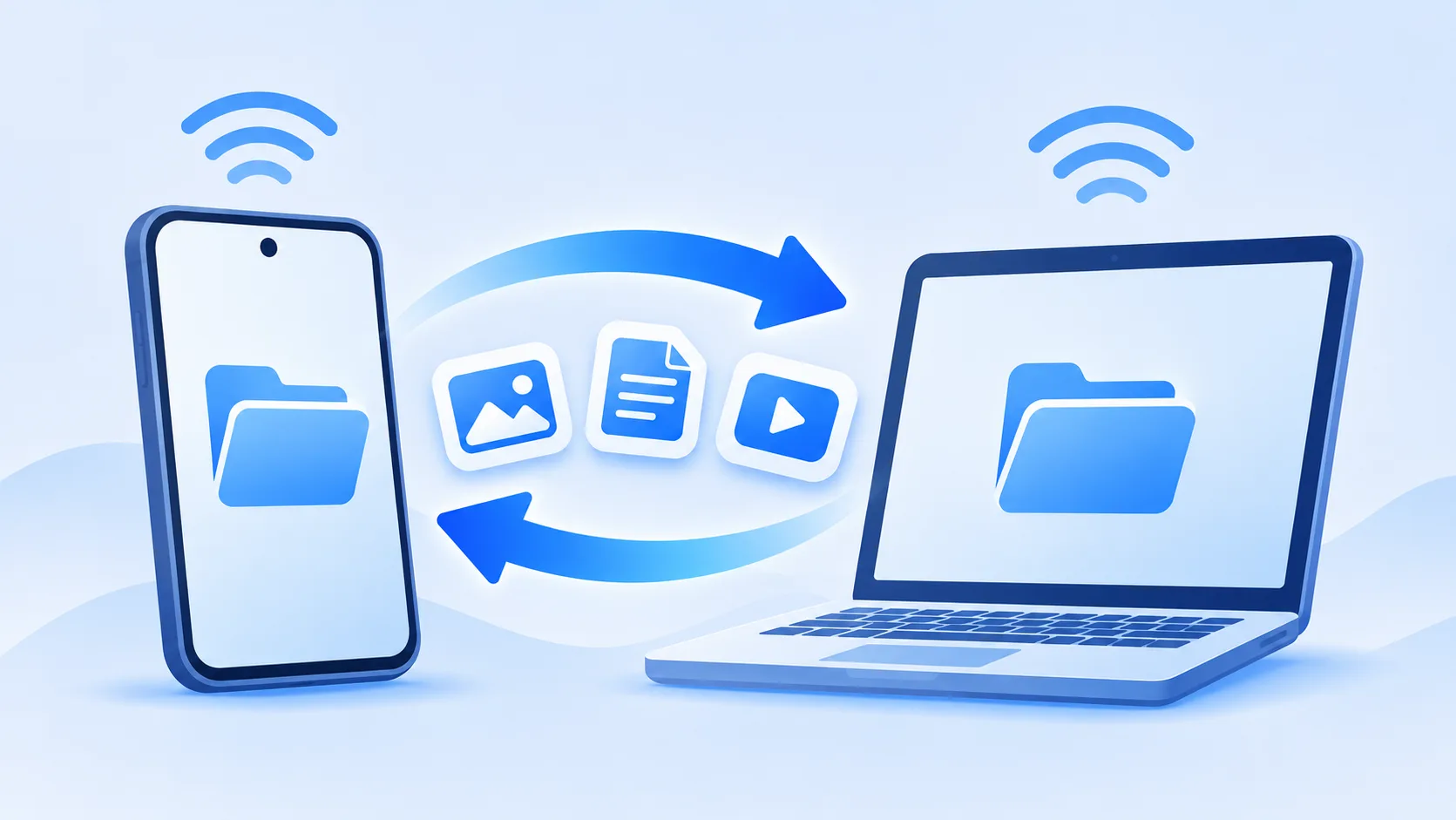
Move photos, videos, documents and other files between your phone and computer. SHAREit supports file sharing between mobile devices and compatible desktop platforms.
Read the guideSending files with SHAREit is straightforward once both devices are ready. Open the app, choose which device will send the files, select what you want to share, and connect to the receiving device. Follow these steps to get started.
Install and open SHAREit on the sending and receiving devices. Choose Send on the device that has the files and Receive on the device you want to send them to. Keep both apps open while connecting.
Browse the available file categories and choose the photos, videos, music, documents or other supported files you want to transfer. You can select multiple items before moving to the next step.
Wait for SHAREit to find the receiving device, then select it to start the connection. The receiving device may need to accept the connection request. If the devices cannot find each other, check their Wi-Fi settings and follow the connection method shown in your version of SHAREit.
Keep both devices nearby and wait until the transfer finishes. Once complete, check the received files in your device's storage or SHAREit's transfer history to make sure everything arrived correctly.
SHAREit allows users to share files between compatible devices. Before using it, it's important to understand its permissions and privacy settings.
Only connect with devices you recognize and trust.
Review the permissions SHAREit requests and allow only those needed.
Read the privacy policy to understand how your information is collected and used.
Download SHAREit from official websites or trusted app stores.
Answers to common questions about downloading SHAREit, supported devices, and what you can transfer.